
Available on All Devices
From mobile app to desktop browser — Baby88 delivers the same smooth experience on any device. Register, download, and start playing.
Access Options
There are three distinct ways to access Baby88 — every option gives you the full feature set.
Baby88's native Android app is available as a direct APK download from the website — no app store needed. Enjoy the full experience with push notifications, fast loading, and auto-login.
Open baby88.site in Safari on your iPhone or iPad and add it to your home screen — it works almost exactly like a native app, with no download required.
Open baby88.site in any browser on any device — Chrome, Firefox, Edge, and Opera are all supported. Play every game with no installation required.
Consistent Across All Devices
Runs perfectly on any Android or iPhone with a screen larger than 4 inches.
Enjoy live games in full on iPad and Android tablets, making the most of that larger screen.
Access all games and betting features right from the browser on your Windows or Mac laptop.
Live Casino on a large monitor with multi-window betting — the ultimate visual experience.
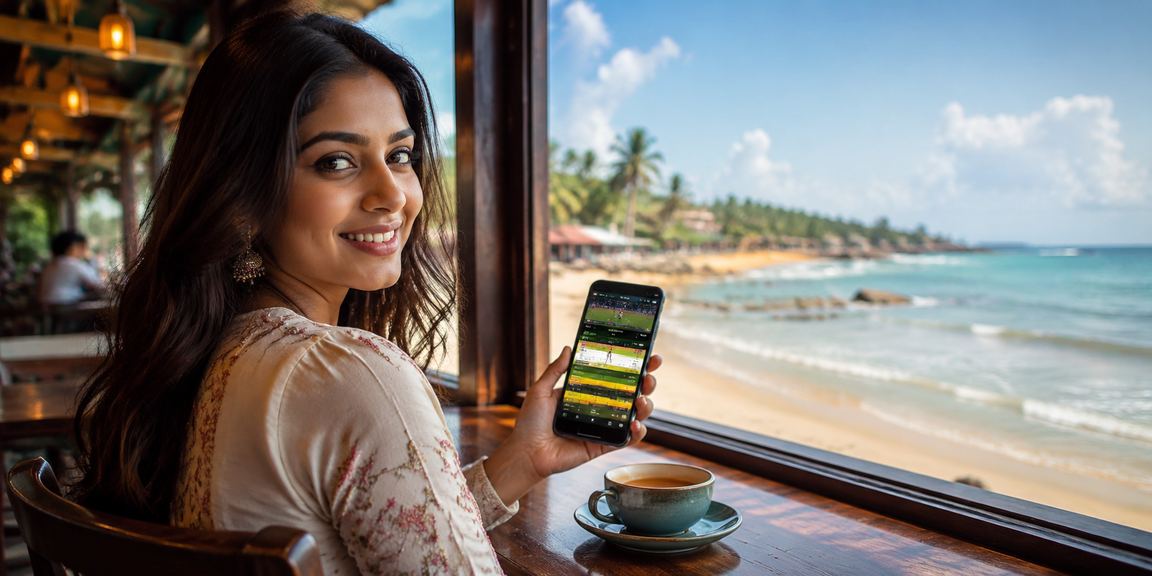
Android App
Install the Baby88 app on your Android phone in just four simple steps.
Open baby88.site in Chrome or any browser on your phone.
Go to Settings and enable "Unknown sources" or "Install unknown apps".
Tap the app download button on the site — the file will be saved to your device.
Tap the APK file to install, then log in and start playing.
Open baby88.site in Safari on your iPhone or iPad → tap the Share icon at the bottom → select "Add to Home Screen". This creates a shortcut on your home screen that works just like a native app.

Comparative Overview
| Features | Android App | iOS Safari | Web |
|---|---|---|---|
| All Games Available | ✓ | ✓ | ✓ |
| Push Notifications | ✓ | — | — |
| Auto Login | ✓ | ✓ | ✓ |
| Fast Loading | ✓✓ | ✓ | ✓ |
| Live Casino | ✓ | ✓ | ✓ |
| Live Betting | ✓ | ✓ | ✓ |
| Deposit/Withdrawal | ✓ | ✓ | ✓ |
| Installation Required | ✓ | — | — |
| Home Screen Shortcut | ✓ | ✓ | — |
Platform Performance
For the best experience, use at least a 4G or Wi-Fi connection. For smooth live game streaming, a speed of 5 Mbps or higher is ideal.
Mobile internet usage in Bangladesh grows every year. Most people now handle everything on their smartphones — from social media to online shopping — rather than reaching for a desktop or laptop. Baby88 was built with this reality in mind from day one. A mobile-first approach here means the experience on your phone is every bit as good as on a computer, and in some ways even more convenient.
The Baby88 Android app isn't on the Google Play Store — it needs to be downloaded directly from the website as an APK. This might sound unusual, but it's the standard method used by online gaming platforms in Bangladesh and many other countries. The APK is kept small so it downloads quickly even on a slow network. Once installed, the app updates itself in the background, so you don't need to re-download it manually each time.
If you're wondering whether you can get by without downloading the app — yes, absolutely. Baby88's website is built with a responsive design, meaning the layout automatically adjusts to fit your phone's screen size. Gates of Olympus, Aviator, Lightning Roulette — all games work fully in a mobile browser. Buttons and spinners are optimized for touchscreens, and slot animations run smoothly on mobile too.
However, there is one advantage the app has over the browser — push notifications. When a new game launches on Baby88, a special bonus offer becomes available, or your bet result comes in, you'll get an instant notification from the app. This is especially useful during live betting, where getting match updates in real time makes a real difference.

If you have a laptop or desktop, Baby88 offers a slightly different kind of experience. A larger screen lets you take in the full spread of Live Casino games — watch Lightning Roulette or Crazy Time animations on a big monitor and it's easy to see why they're so popular. Sports Betting is also more convenient on desktop, where you can open multiple windows and compare odds across several matches at once.
Once you log in to Baby88's web platform, everything stays in sync — whatever you do on your phone shows up when you open your laptop too. Your balance, betting history, and bonuses all live in one account. You can even pick up where you left off on a different device, though each slots spin starts fresh.
It's a fair question that many people have. In rural areas or certain parts of Bangladesh, 4G isn't always available. Baby88's slots are relatively light on data — once a game loads, spinning the reels doesn't use much. Live Casino games are a different story, as they rely on video streaming and need a solid connection. On a slow network, live games may buffer, so slots or crash games are the better choice in that situation.
The Baby88 platform also includes a data saving mode — enabling it slightly reduces video quality but keeps the game running. It's a handy option when your mobile data is running low. Overall, the Baby88 platform has been optimized with Bangladesh's real-world network conditions in mind.
If you're new to Baby88, here's a tip — start by trying it in your browser first. If you like it, then download the app. Having the app installed makes for a smoother experience and means you're less likely to miss out on offers. For any issues with the Baby88 platform, live chat support is available 24 hours a day — you can ask in Bangla and still get a response.
Security
All data transfers on Baby88 are protected by 256-bit SSL encryption, so your information stays completely private from any third party.
Secure your account with mobile OTP verification — no one else can log in without it.
Log in quickly and securely on the Android app using fingerprint or face unlock.
When you log in from multiple devices, older sessions are automatically closed to keep your account secure.
Platform Features
Navigate entirely in Bangla — menus, buttons, and support are all available in Bangla.
Turn on dark mode for late-night sessions — easier on the eyes.
Choose exactly which offers and match notifications you want to receive.
All your bets and game history in one place — easy to track.
Frequently Asked Questions
Whether you play on the mobile app or in a browser, you get the full Baby88 experience. Register today.